Rated 5 out of 5 stars
“This app actually makes me drink.”
Eight hours at your PC, and the glass next to you stays full. Just Drink pours a crisp, cold, audible glass of water right on your Windows screen — a cue designed to be harder to overlook. Nothing to log, no streaks to keep alive.
Try it free for 7 days, no card needed. Then €12.99 once.
Slack, email, updates — a toast notification is easy to dismiss mid-click. A drink reminder that looks like every other popup can be treated like every other popup. Just Drink takes a different approach: it shows you a glass of cold water, with sound, so the cue is easier to notice.
Research has explored how visual and multisensory cues may influence drinking and perceived refreshment. Just Drink applies that idea on your PC: a glass appears over whatever you're working on, then disappears on its own — no button to click, nothing to log.
Read the research review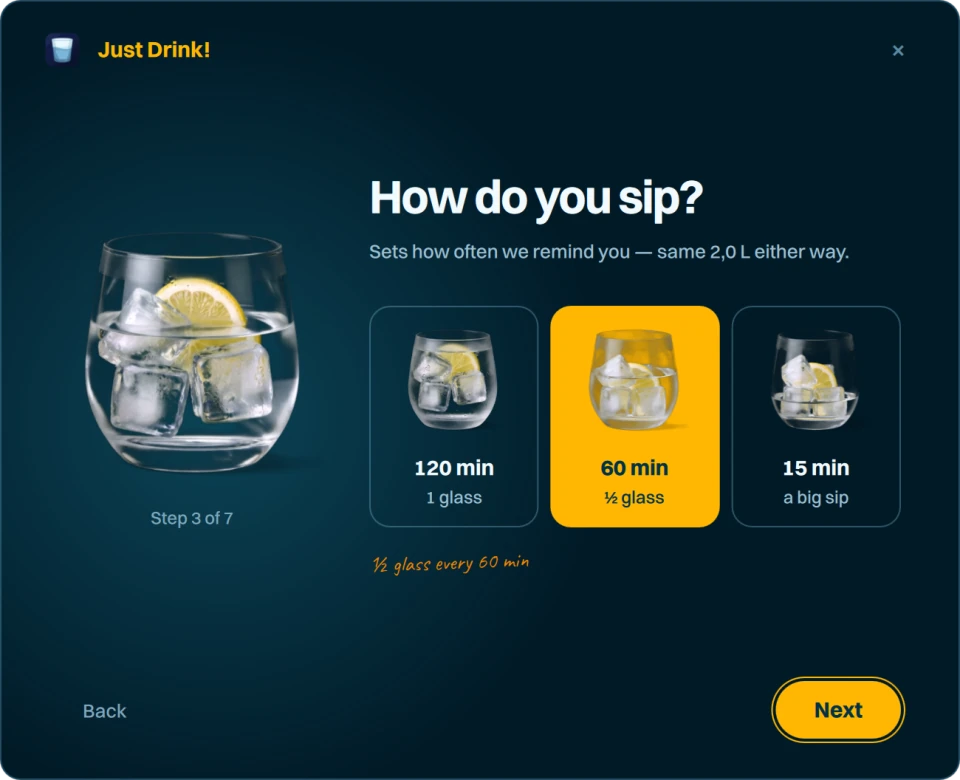
Download Just Drink for Windows.
Install and open Just Drink on your Windows PC.
Set up your first glass, then choose your plan.
“This app actually makes me drink.”
“Sound & visual makes such a difference.”
“Trust me, you want to drink!”
“That 'aaah' sound genuinely makes me thirsty.”
“No stats, no clutter — Just Drink!”
Yes — Just Drink ships as a native 64-bit Windows app. Download the free trial, run the installer, and open the app.
Try it free for 7 days, no card needed. Then €12.99 once.
No. It reminds — it never asks you to log a single glass.
Yes. Just Drink runs natively on macOS too — download it here.
One price, no subscription, the complete experience. Try it free for 7 days, no card needed, and buy it inside the app when you are ready.
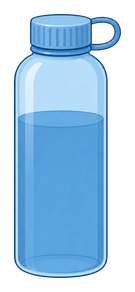
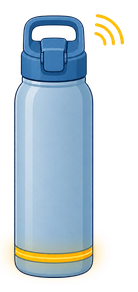
Download the app and your free week starts. No card needed.
macOS 13 or later · Windows x64
Prices include applicable tax. Bottle prices are typical shelf prices, shown for comparison; Just Drink sells only the Lifetime licence. Nothing is charged during your free week: buy before it ends and the payment is taken on the day it ends; buy later and it is taken at checkout. Already paid for V1? Your V2 upgrade is free and keeps lifetime access. V1 support continues until 14 September 2027; the Mac App Store V2 update follows separately.